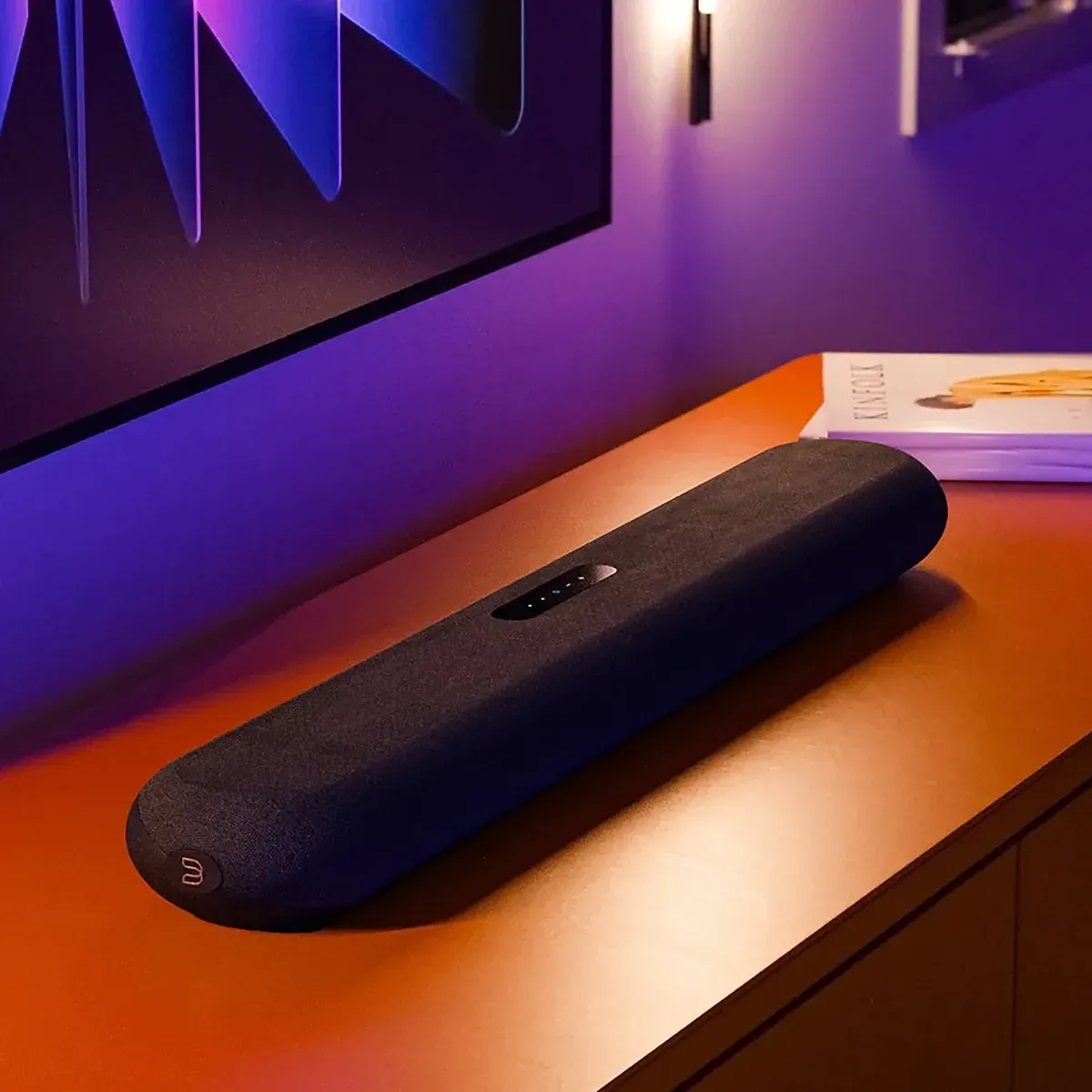
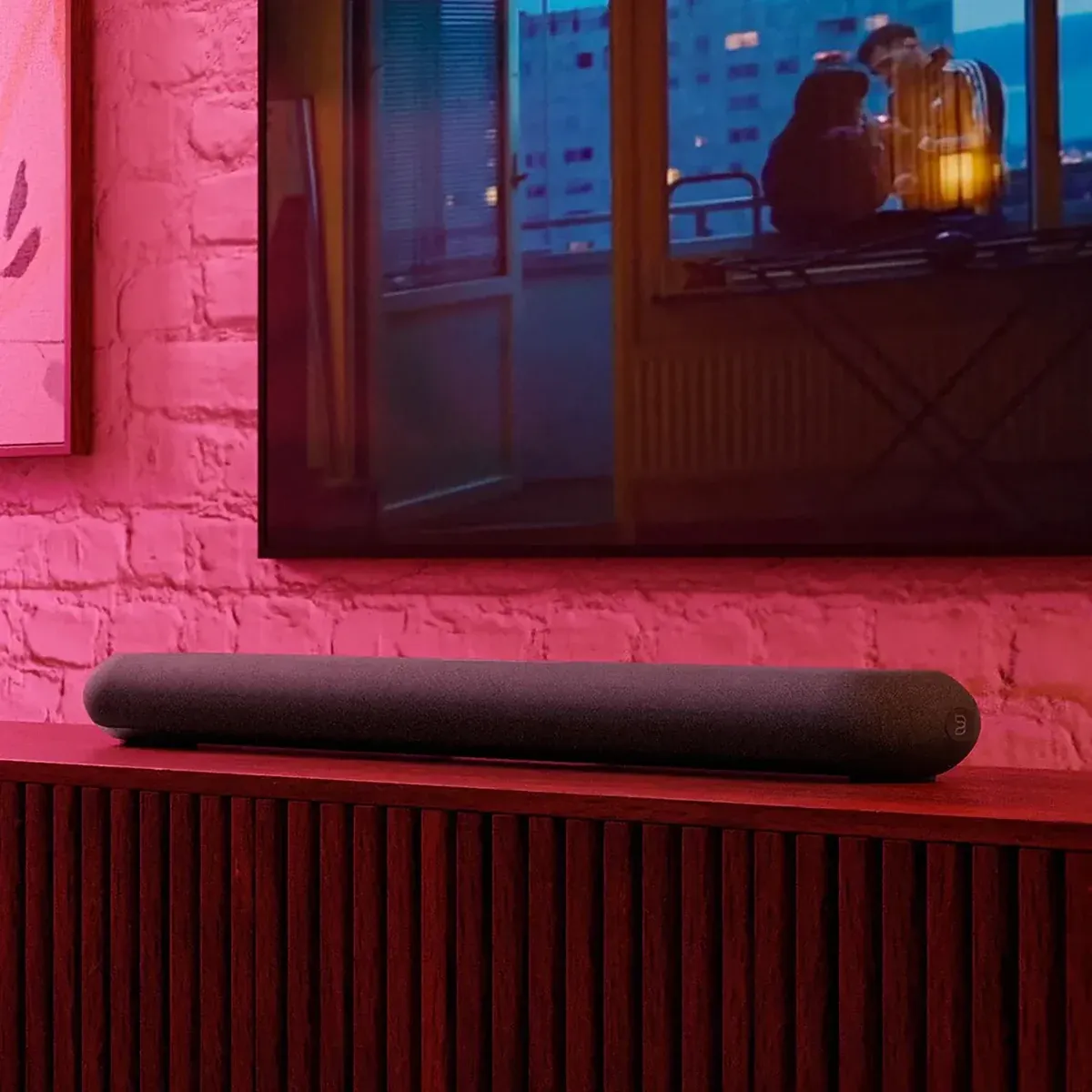
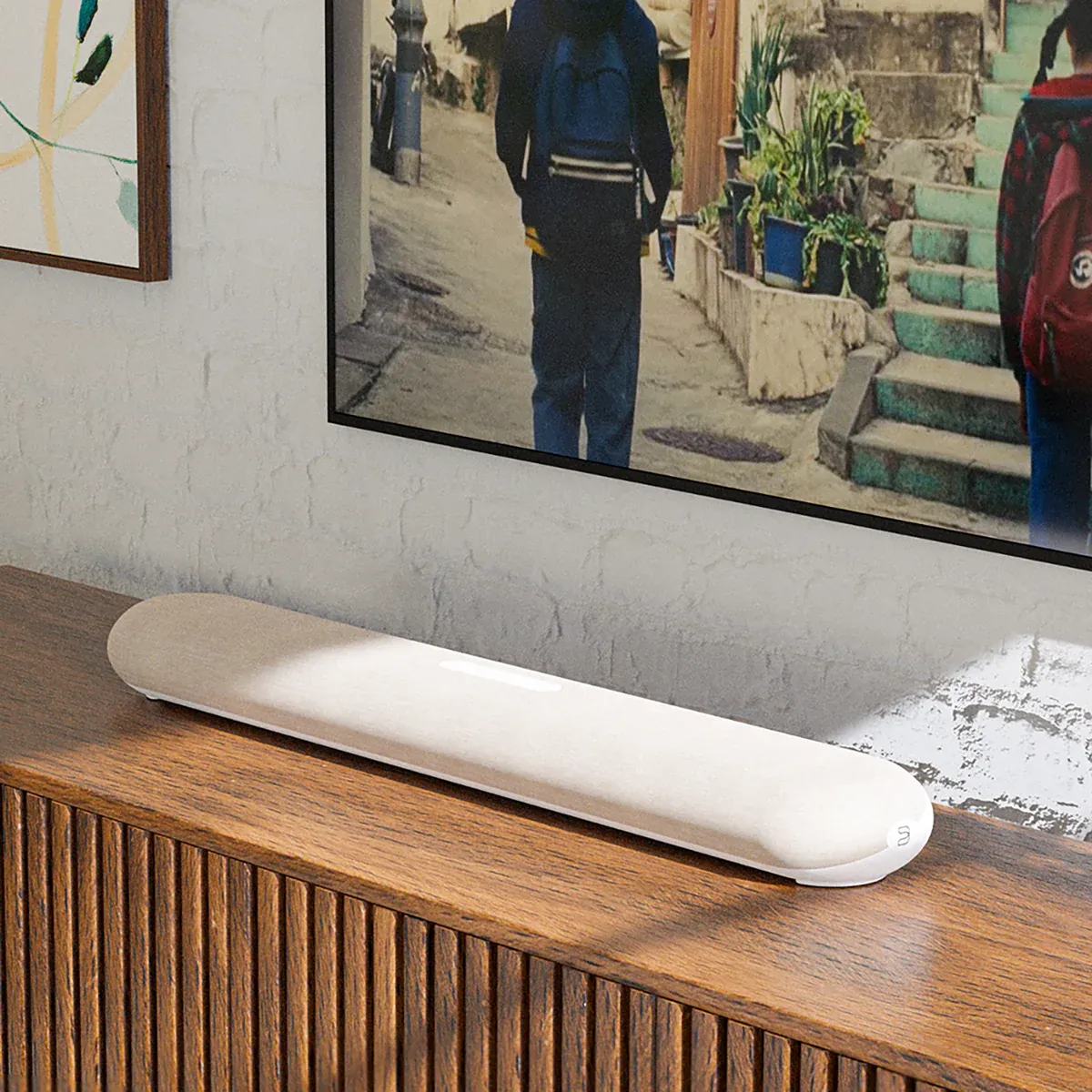
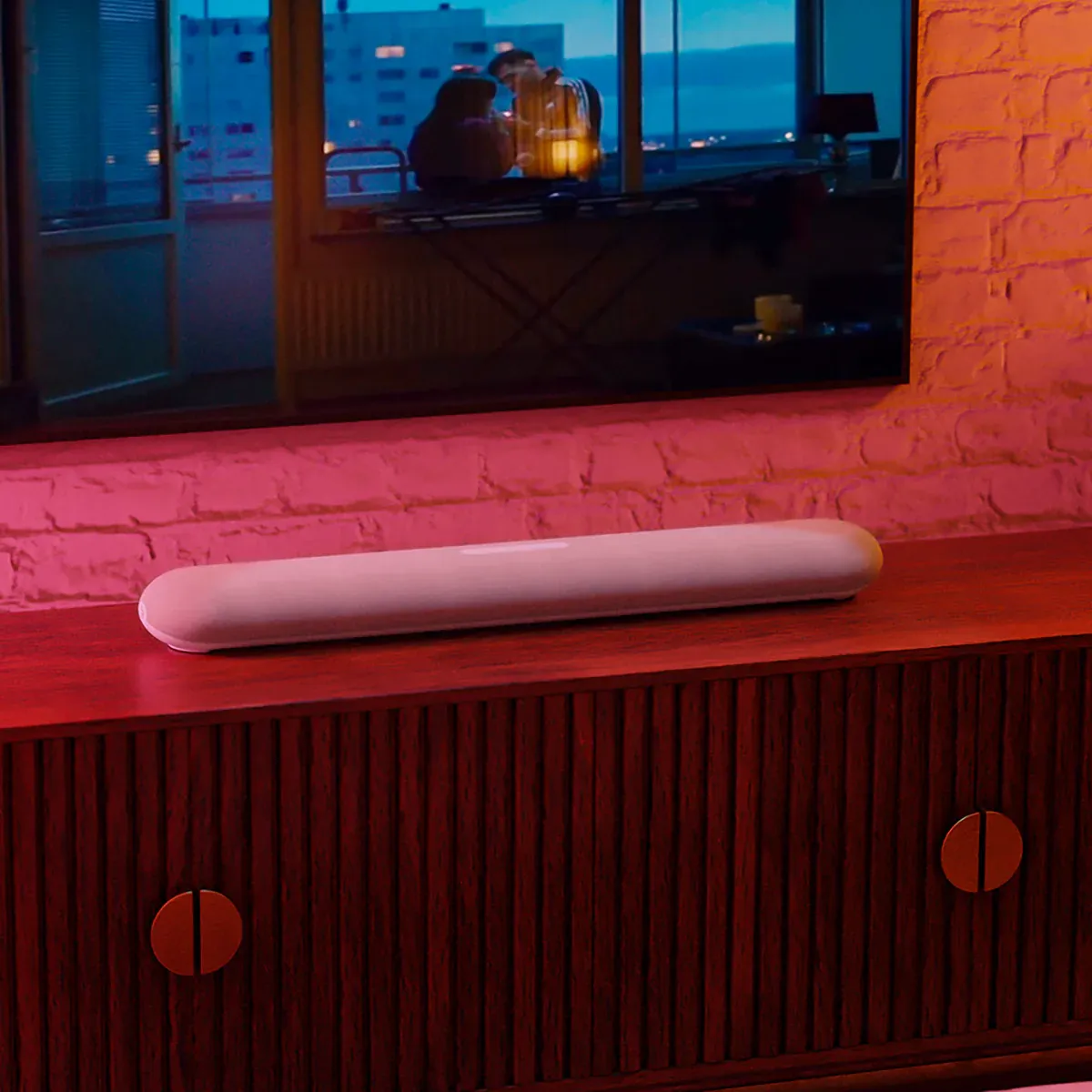
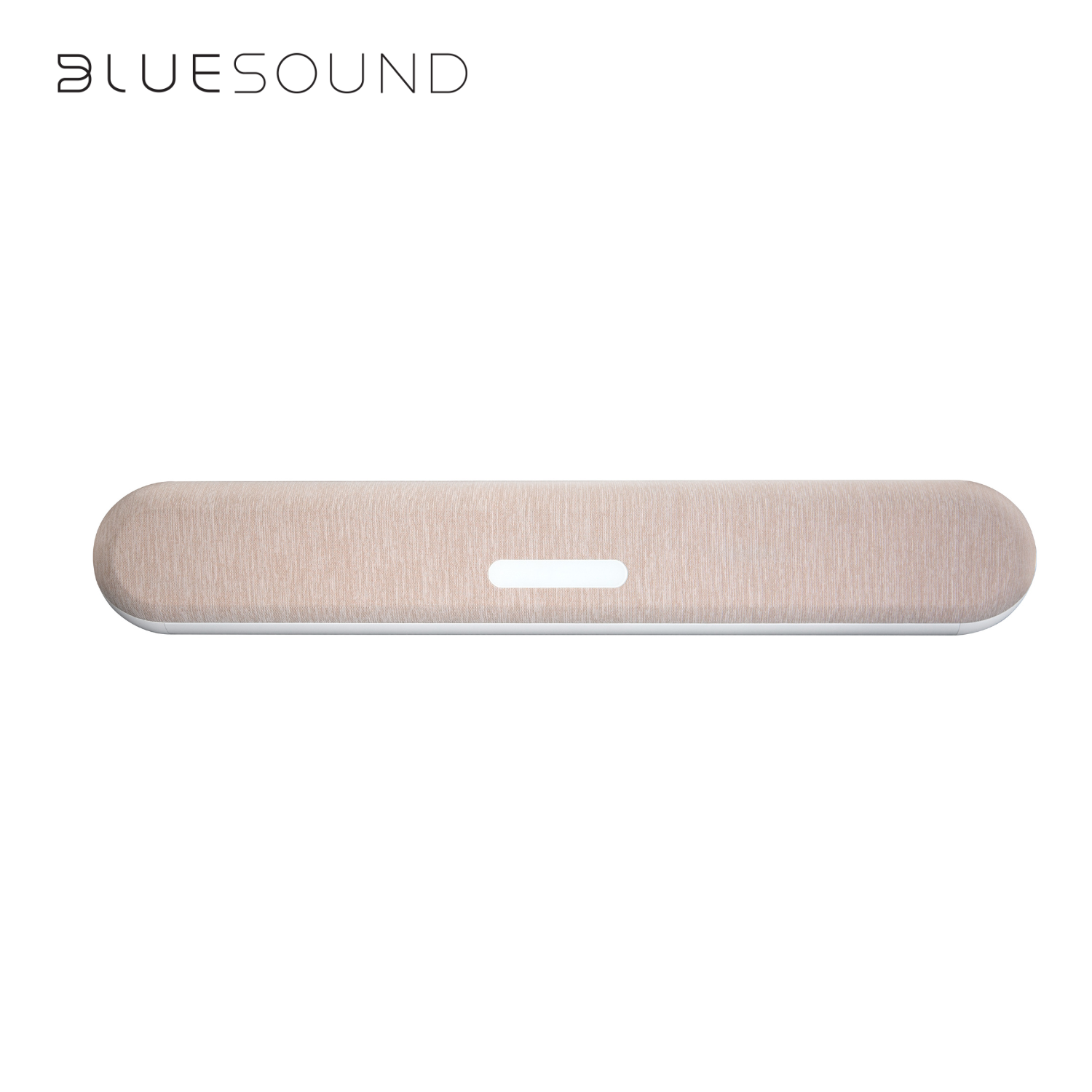
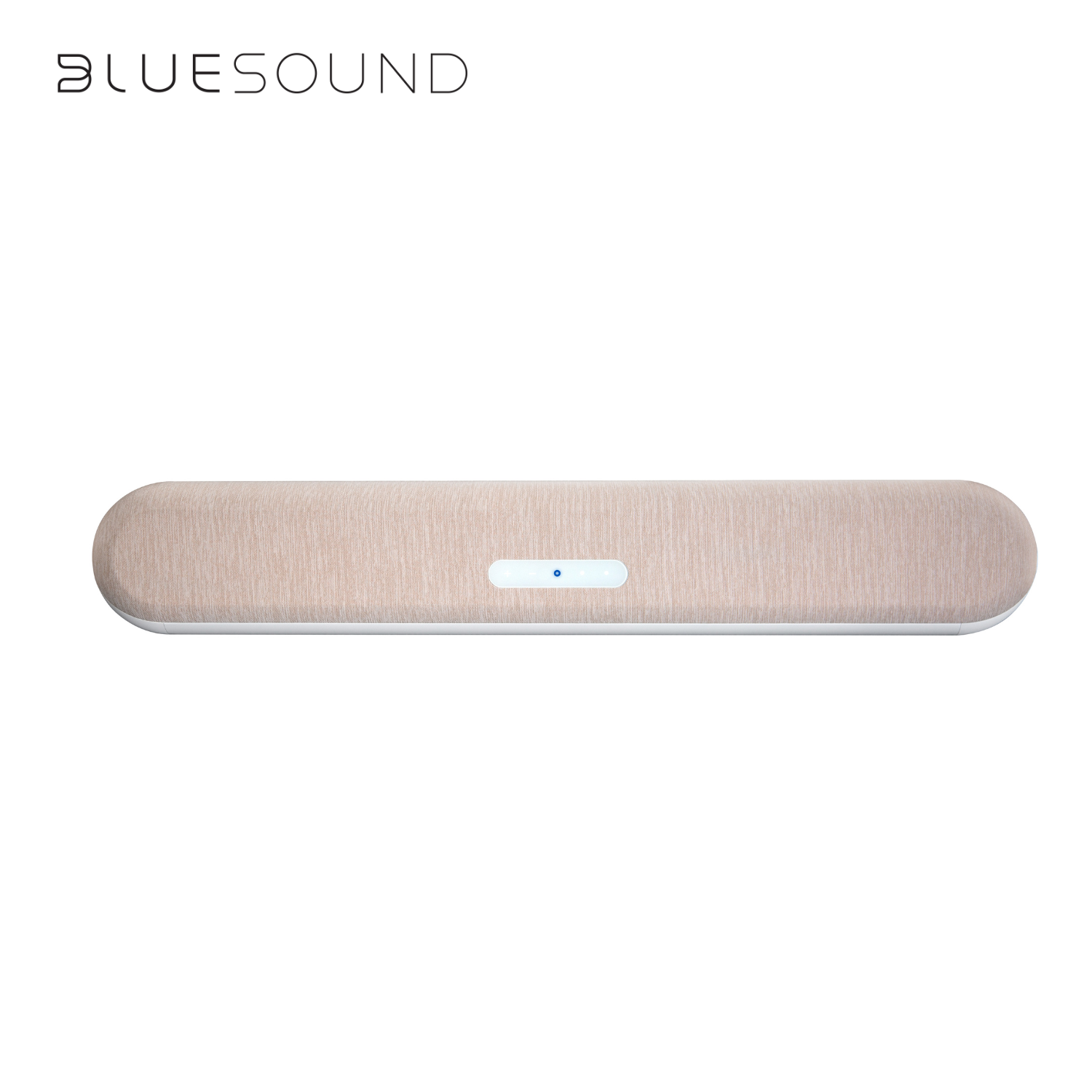
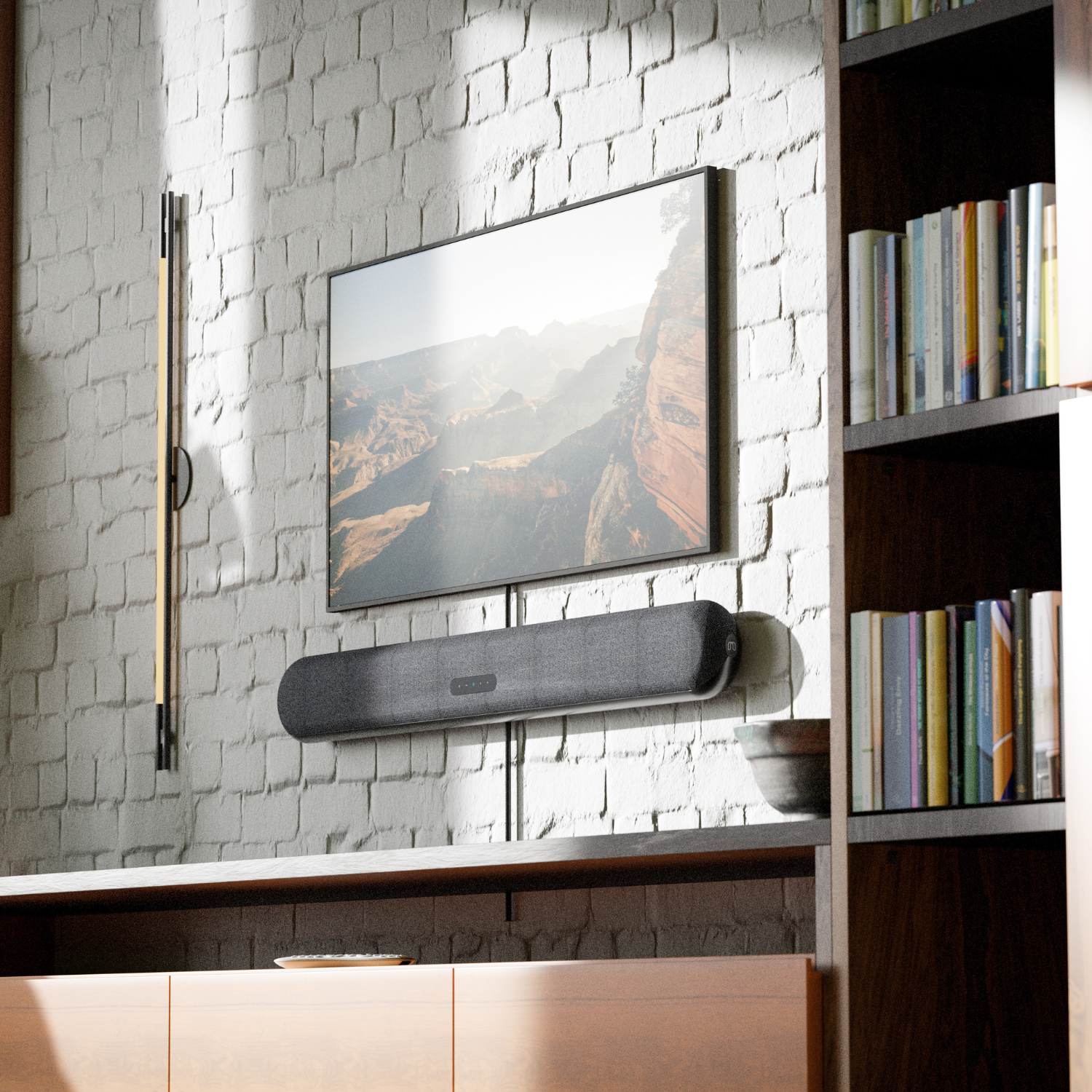
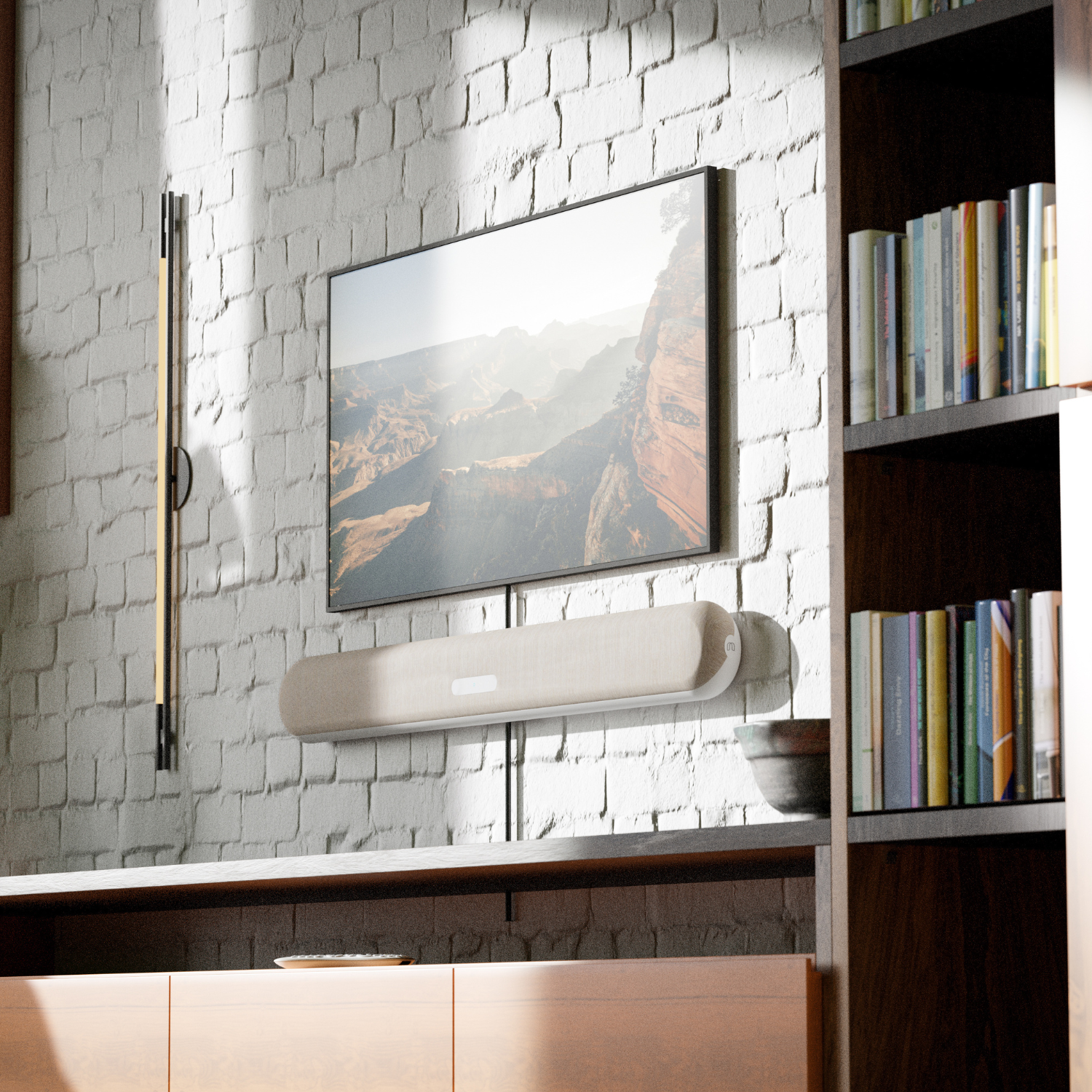
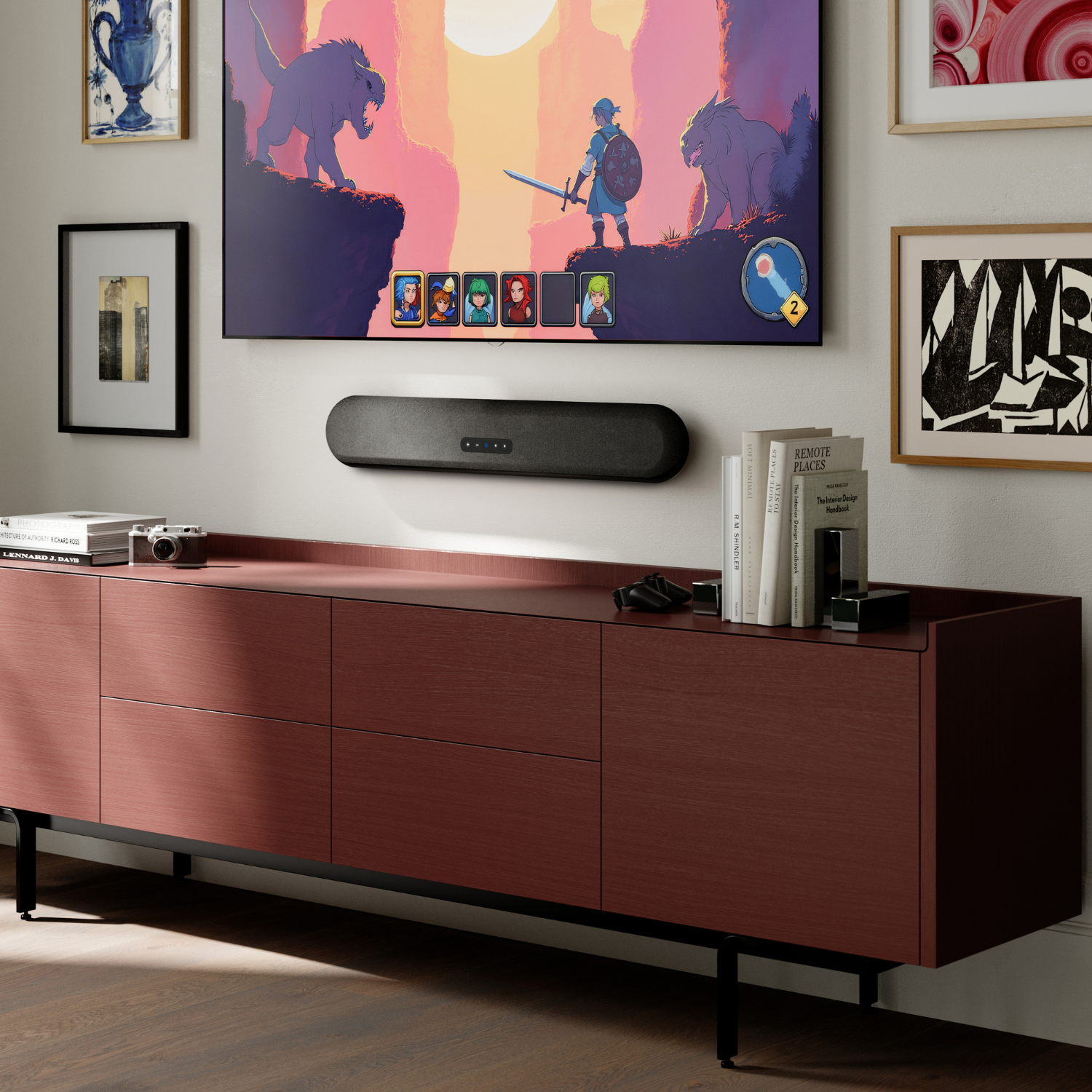
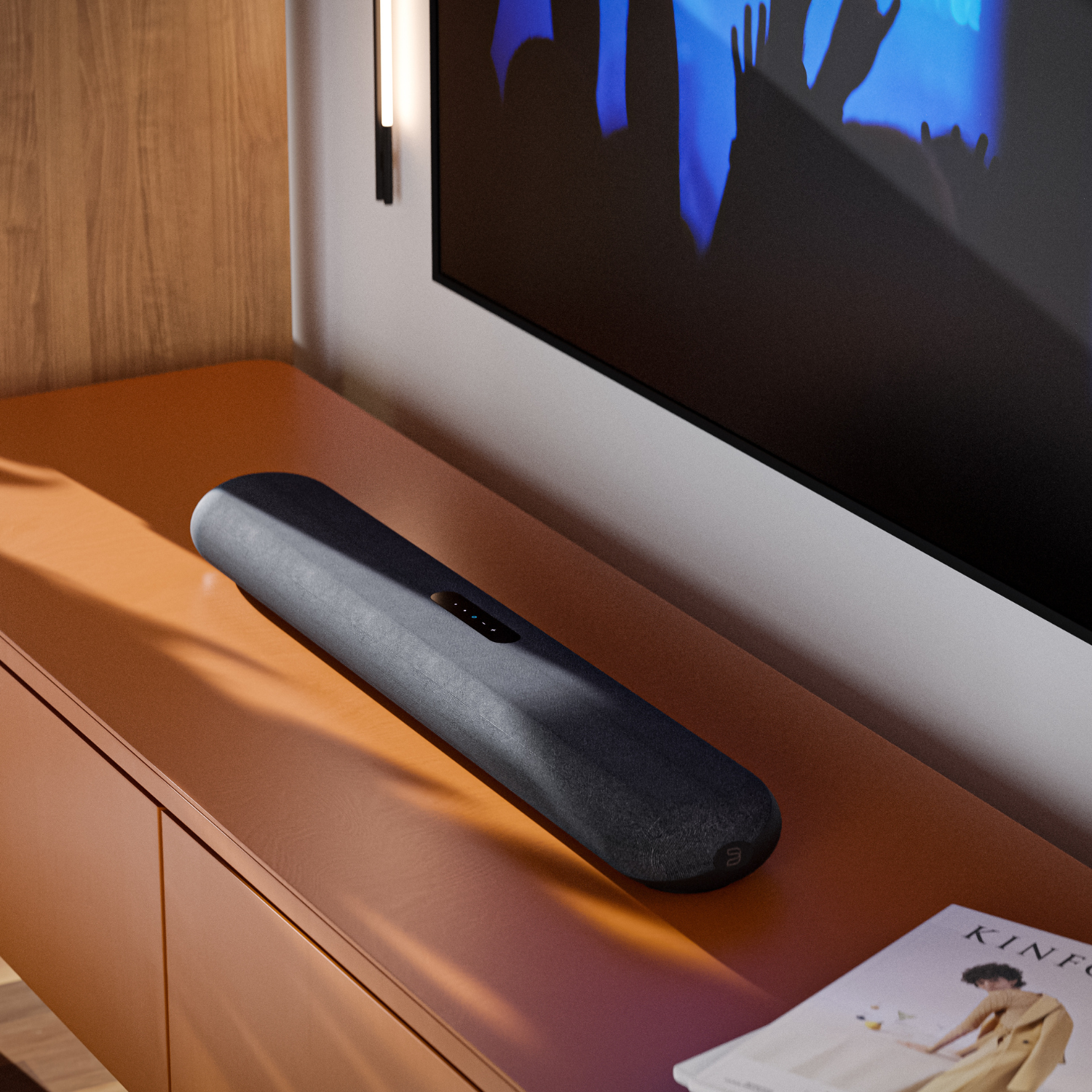
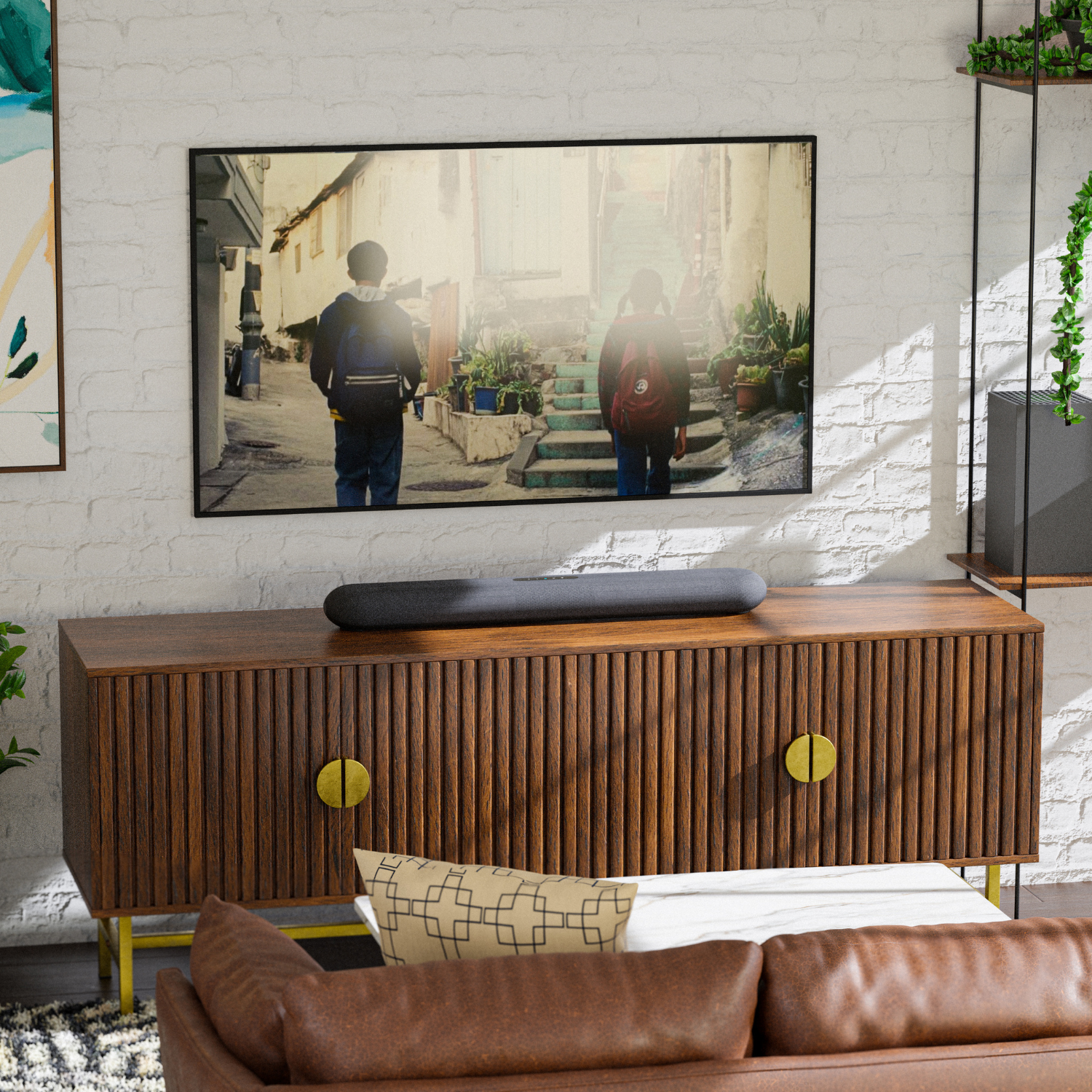
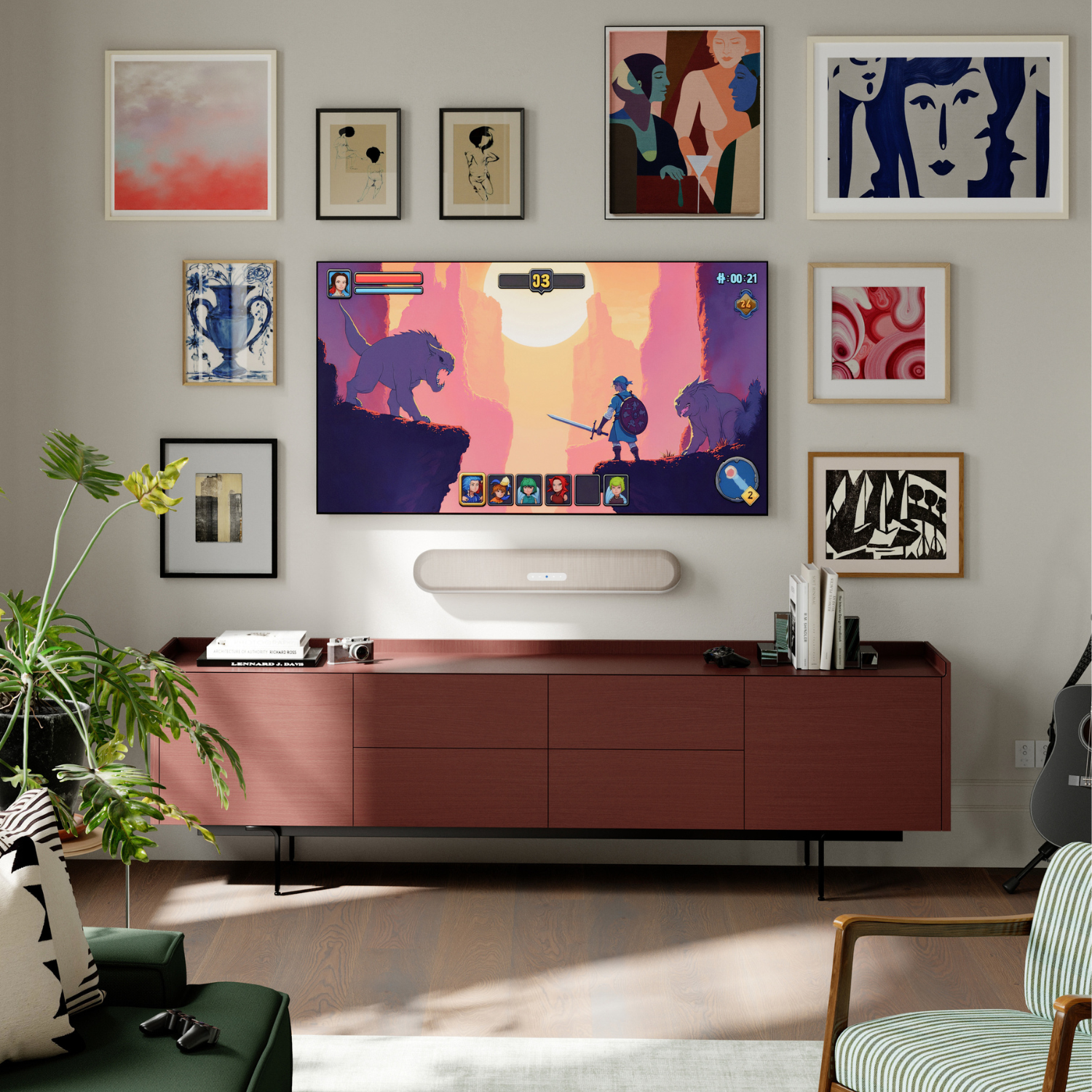
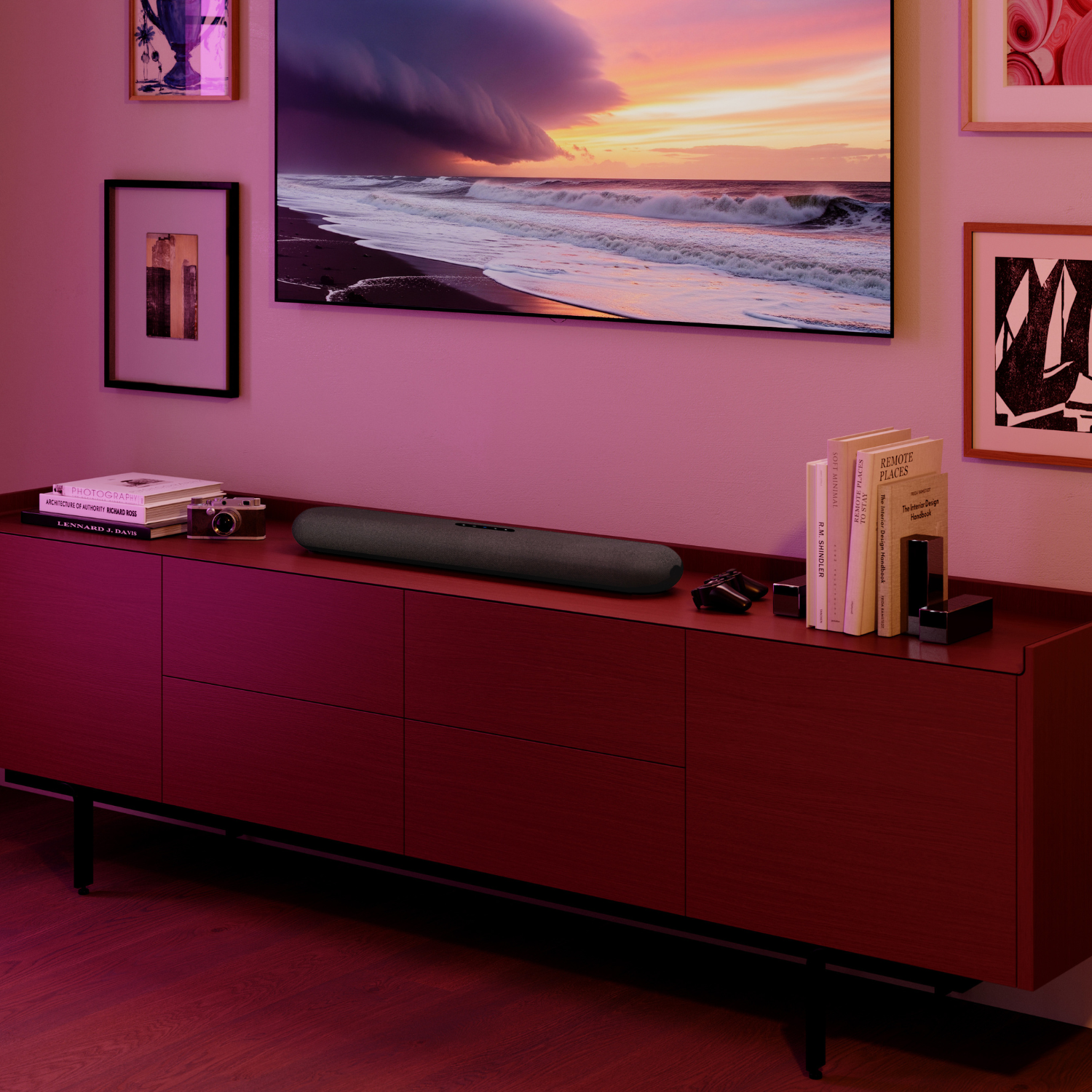
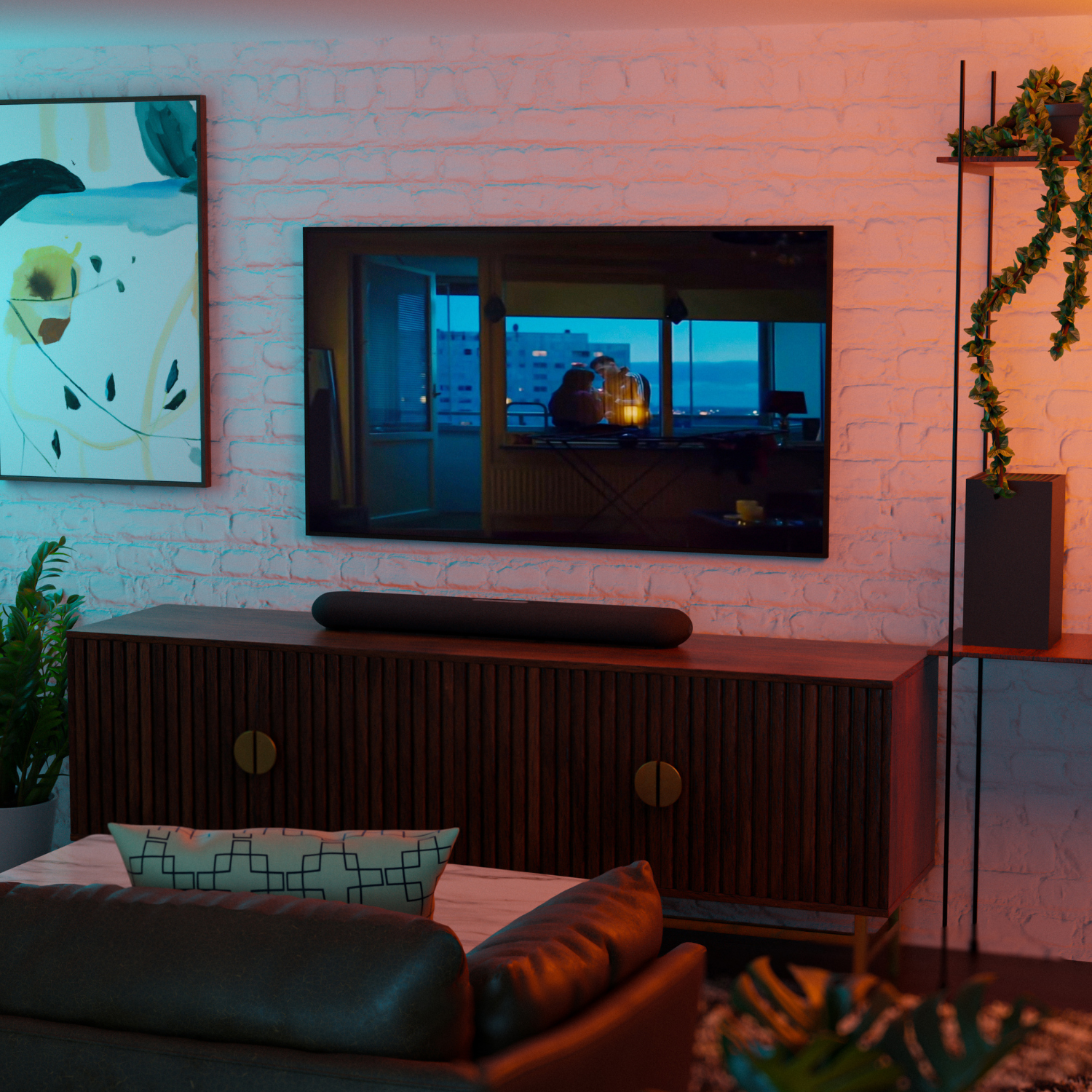
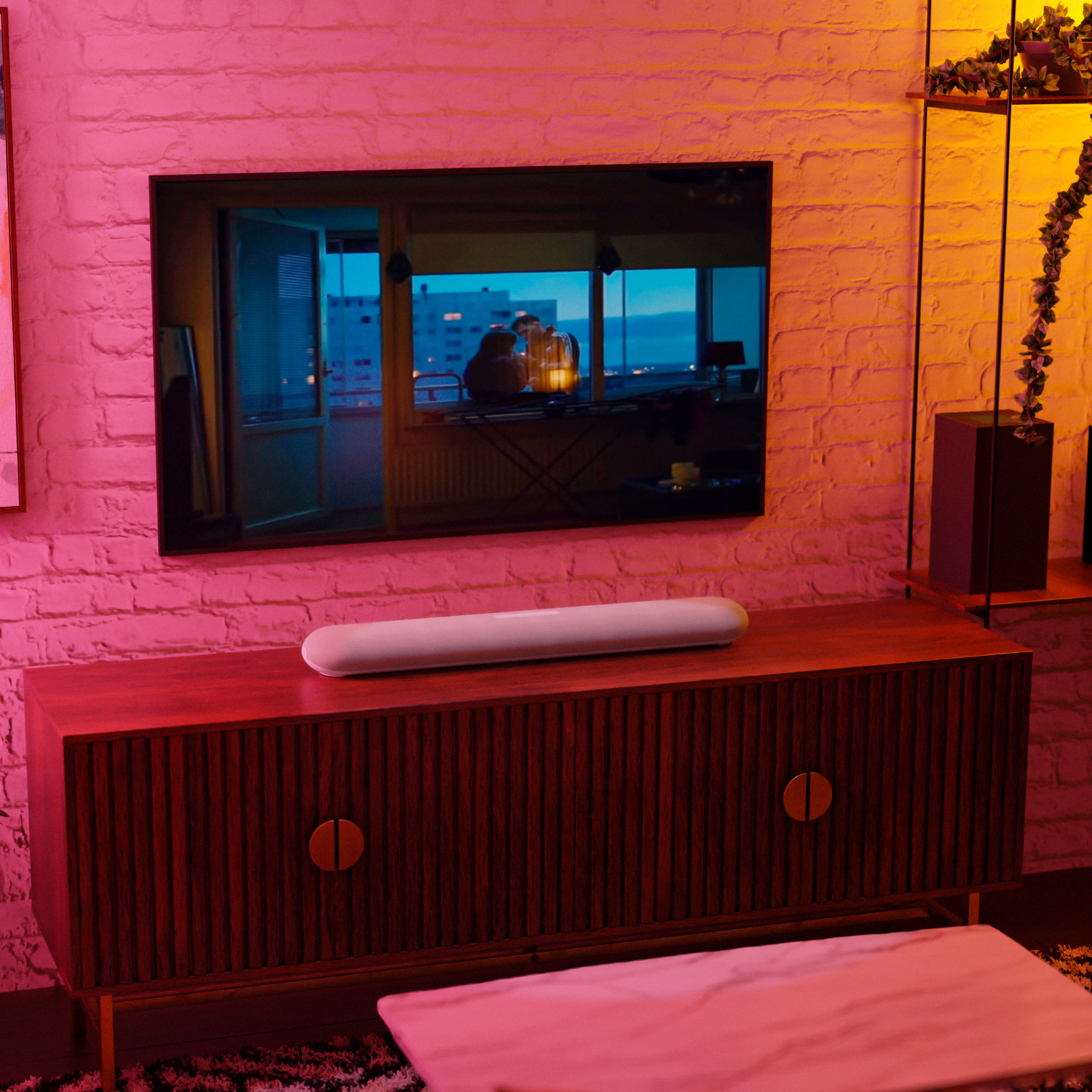
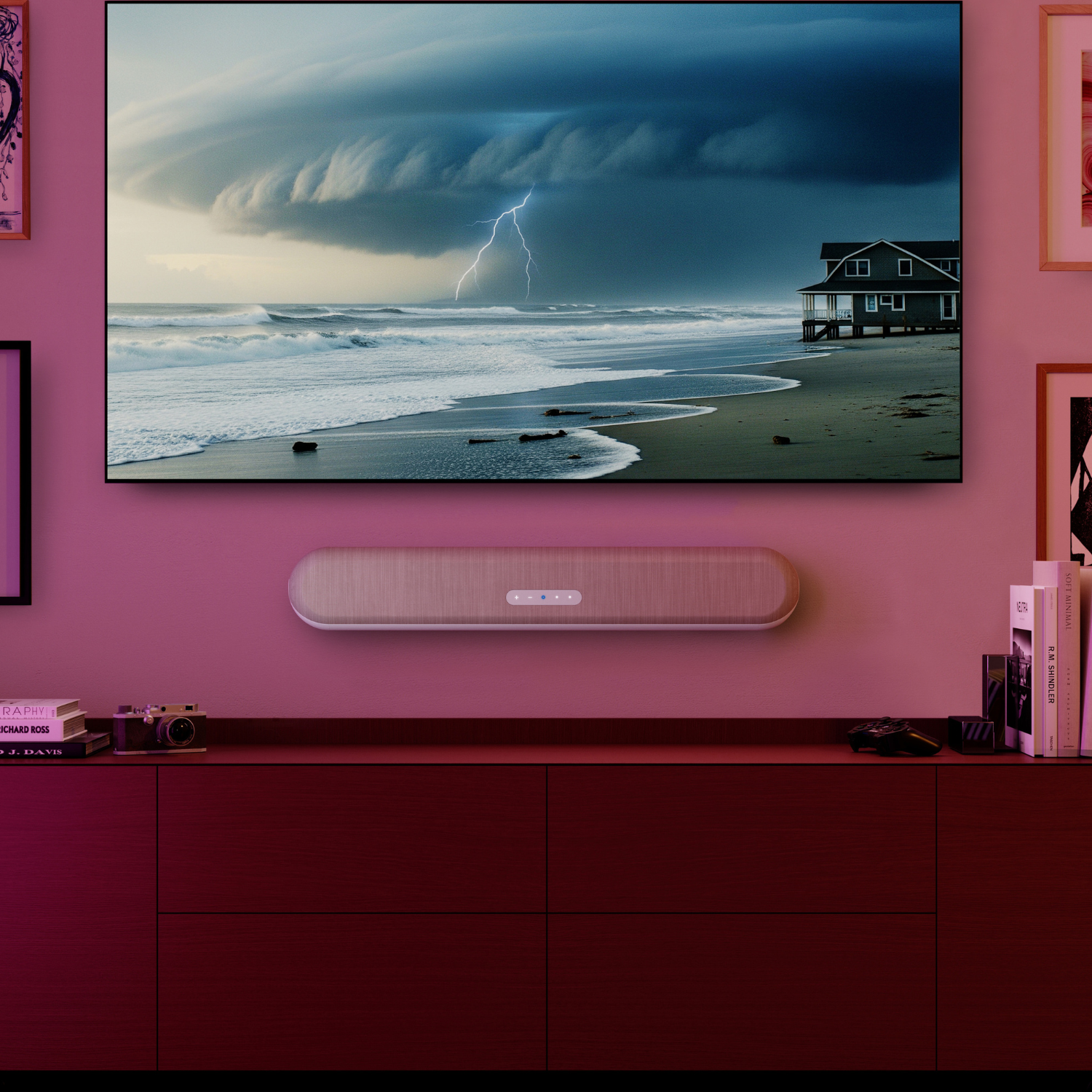
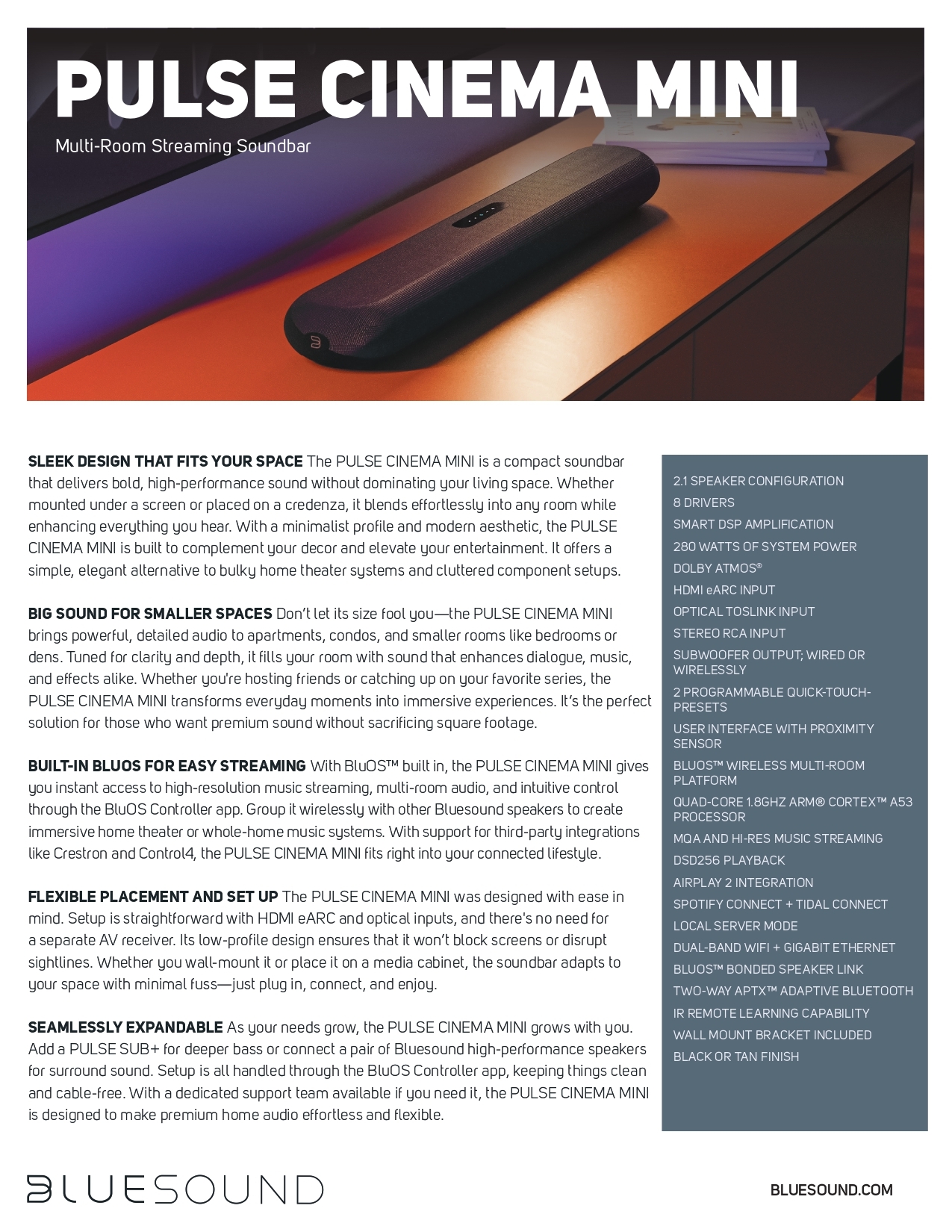
With its minimalist form, refined aluminum body chassis, and tonal weave fabric, the PULSE CINEMA MINI blends beautifully into any space. Whether mounted below a TV screen or placed on a credenza, it keeps your setup clean and unobtrusive. Automatic orientation sensing ensures optimal sound performance no matter where you place it.
Despite its compact size, the PULSE CINEMA MINI delivers a full 2.1-channel experience with clarity and depth. Angled drivers and built-in woofers work together with advanced DSP to produce crisp dialogue, rich bass, and wide dispersion. Dolby Atmos® processing virtualizes height effects to add a sense of space and immersion—bringing movies, music, and games to life in any room.
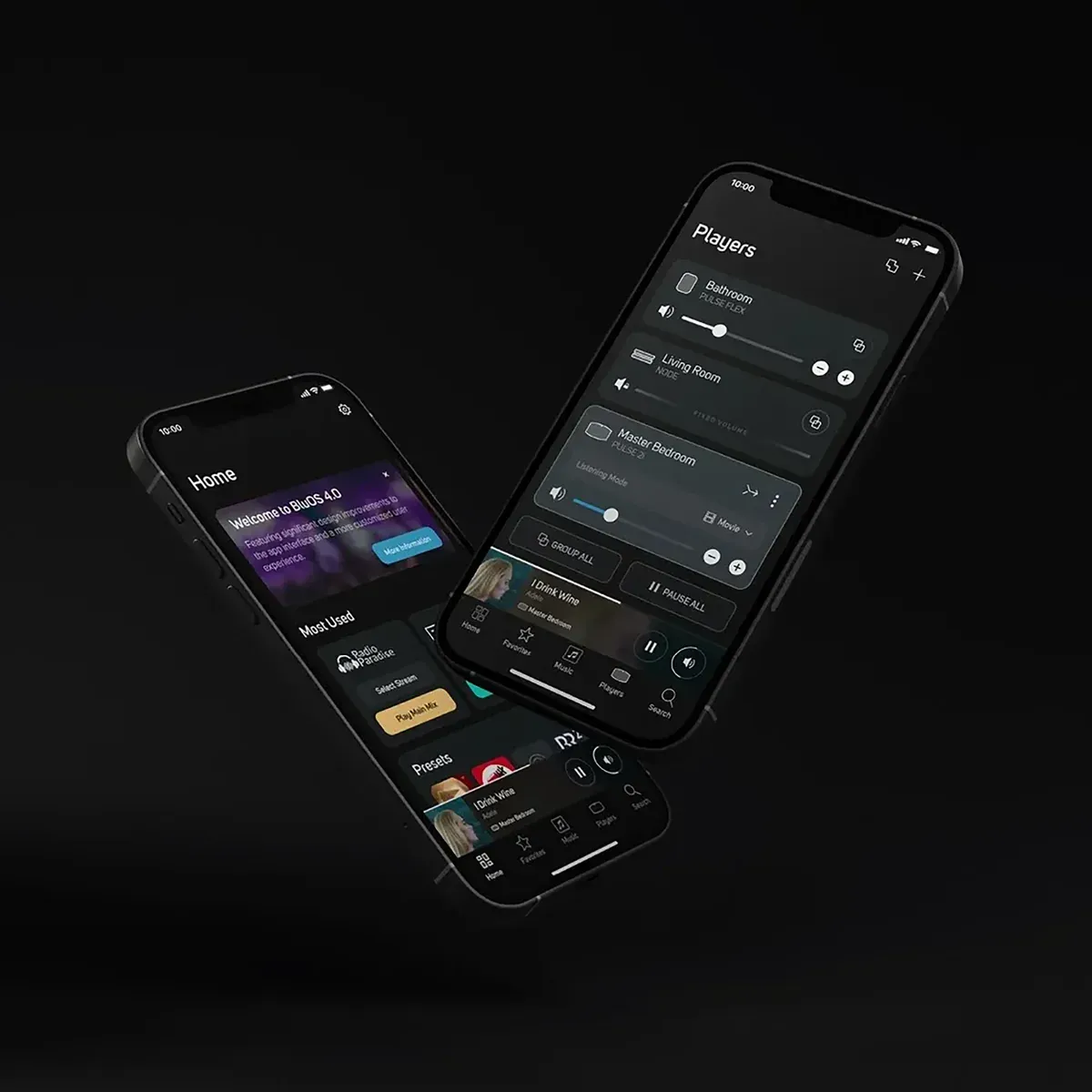
With BluOS built in, you can stream high-resolution audio, control playback from your phone or tablet, and group the PULSE CINEMA MINI with other Bluesound speakers for whole-home listening. It’s also ready for smart home integration, working with platforms like Control4, Crestron, and RTI.
Setting up the PULSE CINEMA MINI is simple with HDMI eARC and optical inputs. No receiver required. Featuring a wall-mount bracket, the PULSE CINEMA MINI also automatically adjusts sound based on placement. Just plug it in, connect through the BluOS Controller app, and press play.
Add a PULSE SUB+ for deeper bass or pair the PULSE CINEMA MINI with PULSE M or PULSE FLEX speakers for a full 4.1-channel surround system. It’s all connected and managed through the BluOS Controller app. It’s AV made simple.
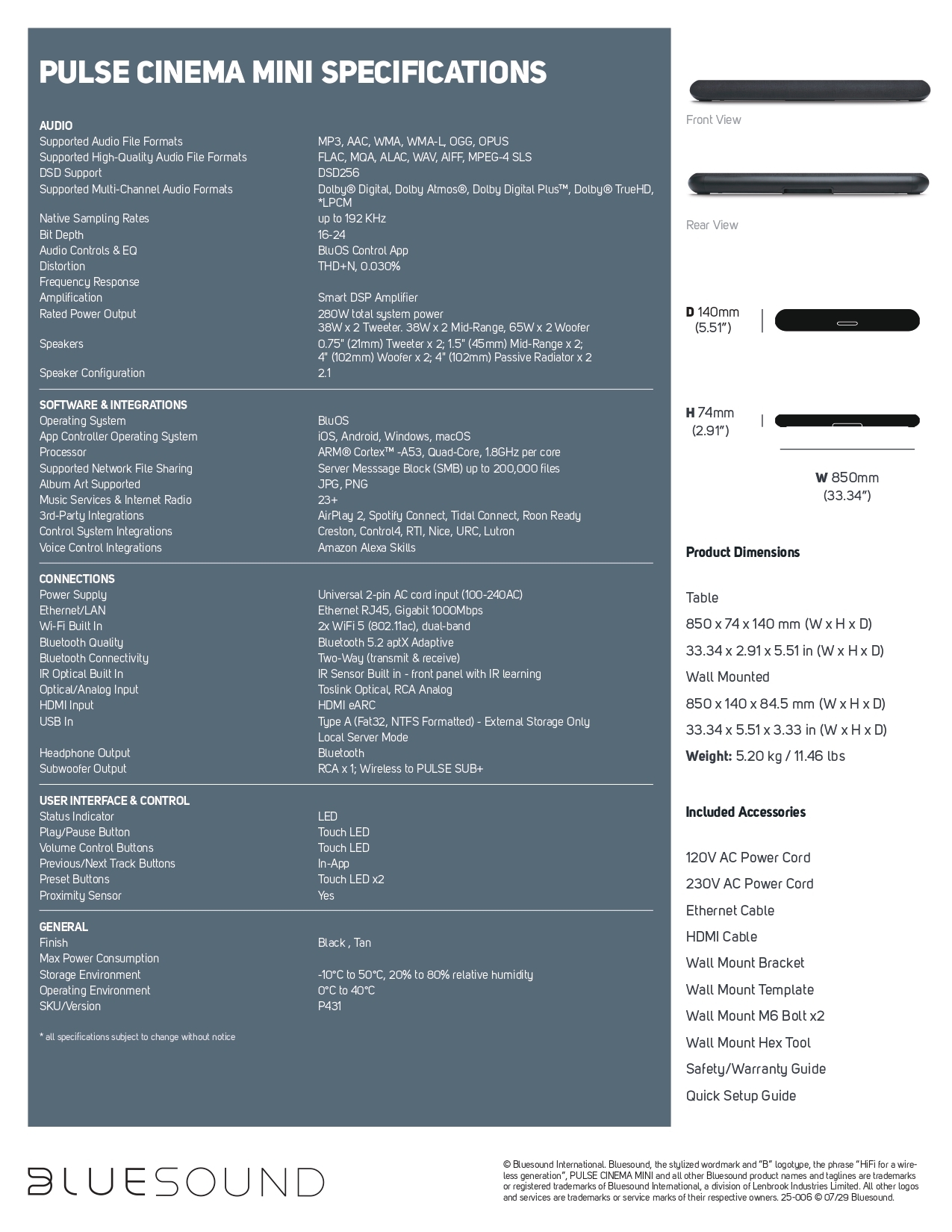
Specifications
AUDIO
Supported Audio File Formats: MP3, AAC, WMA, WMA-L, OGG, OPUS
Supported High-Quality Audio File Formats: FLAC, MQA, ALAC, WAV, AIFF, MPEG-4 SLS
DSD Support: DSD256
Supported Multi-Channel Audio Formats: Dolby® Digital, Dolby Atmos®, Dolby Digital Plus™, Dolby® TrueHD, *LPCM
Native Sampling Rates: up to 192 KHz
Bit Depth: 16-24
Audio Controls & EQ: BluOS Control App
Distortion: THD+N, 0.030%
Frequency Response: N/A
Amplification: Smart DSP Amplifier
Rated Power Output: 280W total system power38W x 2 Tweeter. 38W x 2 Mid-Range, 65W x 2 Woofer
Speakers: 0.75" (21mm) Tweeter x 2; 1.5" (45mm) Mid-Range x 2;4" (102mm) Woofer x 2; 4" (102mm) Passive Radiator x 2
Speaker Configuration: 2.1
SOFTWARE & INTEGRATIONS
Operating System: BluOS
App Controller Operating System: iOS, Android, Windows, macOS
Processor: ARM® Cortex™ -A53, Quad-Core, 1.8GHz per core
Supported Network File Sharing: Server Messsage Block (SMB) up to 200,000 files
Album Art Supported: JPG, PNG
Music Services & Internet Radio: 23+
3rd-Party Integrations: AirPlay 2, Spotify Connect (also support for Spotify Lossless), Tidal Connect, Qobuz Connect, Roon Ready
Control System Integrations: Creston, Control4, RTI, Nice, URC, Lutron
Voice Control Integrations: Amazon Alexa Skills
CONNECTIONS
Power Supply: Universal 2-pin AC cord input (100-240AC)
Ethernet/LAN: Ethernet RJ45, Gigabit 1000Mbps
Wi-Fi Built In: 2x WiFi 5 (802.11ac), dual-band
Bluetooth Quality: Bluetooth 5.2 aptX Adaptive
Bluetooth Connectivity: Two-Way (transmit & receive)
IR Optical Built In: IR Sensor Built in - front panel with IR learning
Optical/Analog Input: Toslink Optical, RCA Analog
HDMI Input: HDMI eARC
USB In: Type A (Fat32, NTFS Formatted) - External Storage OnlyLocal Server Mode
Headphone Output: Bluetooth
Subwoofer Output: RCA x 1; Wireless to PULSE SUB+
USER INTERFACE & CONTROL
Status Indicator: LED
Play/Pause Button: Touch LED
Volume Control Buttons: Touch LED
Previous/Next Track Buttons: In-App
Preset Buttons: Touch LED x2
Proximity Sensor: Yes
GENERAL
Finish: Black, Tan
Max Power Consumption: N/A
Storage Environment: -10°C to 50°C, 20% to 80% relative humidity
Operating Environment: 0°C to 40°C
SKU/Version: P431
Product Dimensions: Table850 x 74 x 140 mm (W x H x D)33.34 x 2.91 x 5.51 in (W x H x DWall Mounted850 x 140 x 84.5 mm (W x H x D)33.34 x 5.51 x 3.33 in (W x H x D)
Weight: 5.20 kg / 11.46 lbs
Included Accessories: 120V AC Power Cord230V AC Power CordEthernet CableHDMI CableWall Mount BracketWall Mount TemplateWall Mount M6 Bolt x2Wall Mount Hex ToolSafety/Warranty GuideQuick Setup Guide